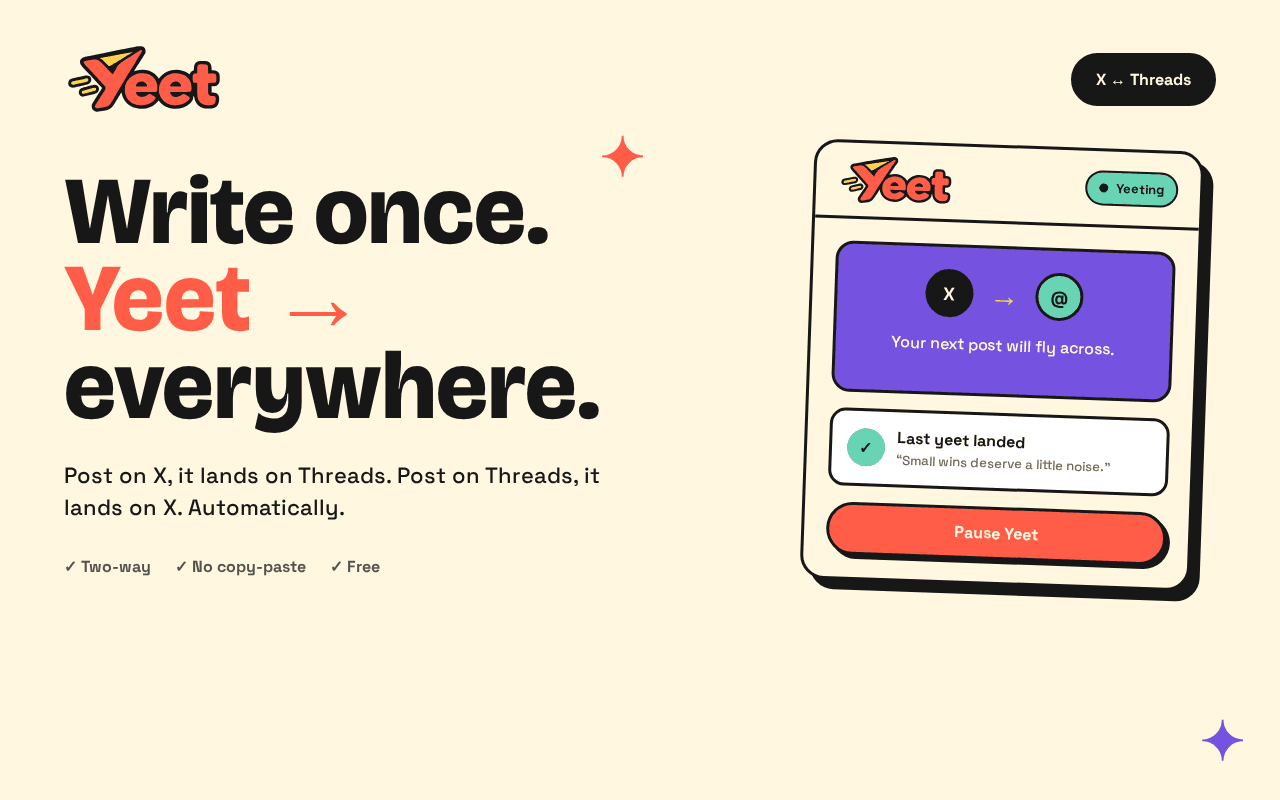
Write once.
Yeeteverywhere.
Auto cross-post between X and Threads. Write on X, it posts to Threads by itself — write on Threads, it lands on X. Text and images. Free and open source.
Watch a Yeet happen
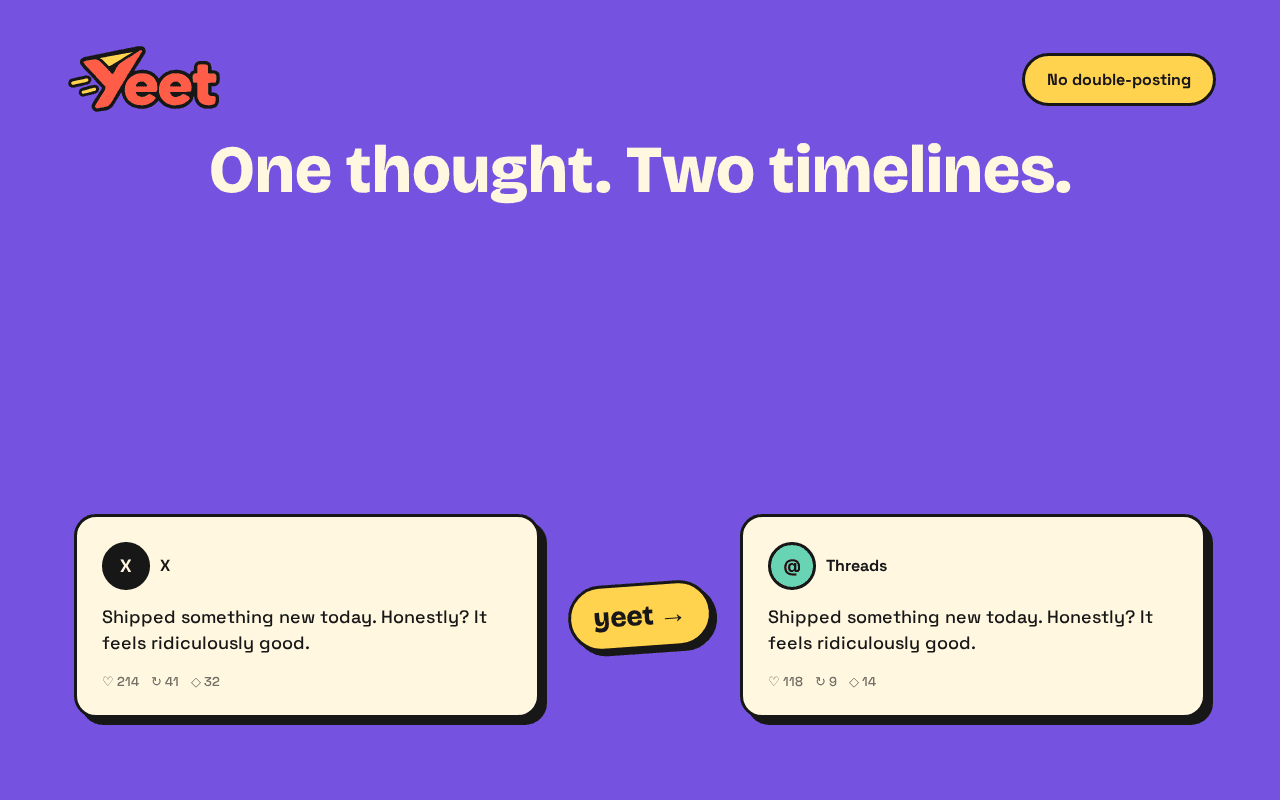
Shipped image yeets today. Write once on X — text and photos land on Threads by themselves.
Shipped image yeets today. Write once on X — text and photos land on Threads by themselves.
See Yeet posting from X to Threads
Same words, same photos, both places — without leaving the composer you're already in.
Meet the tiny posting sidekick
One quick peek.
Text and images, handled.
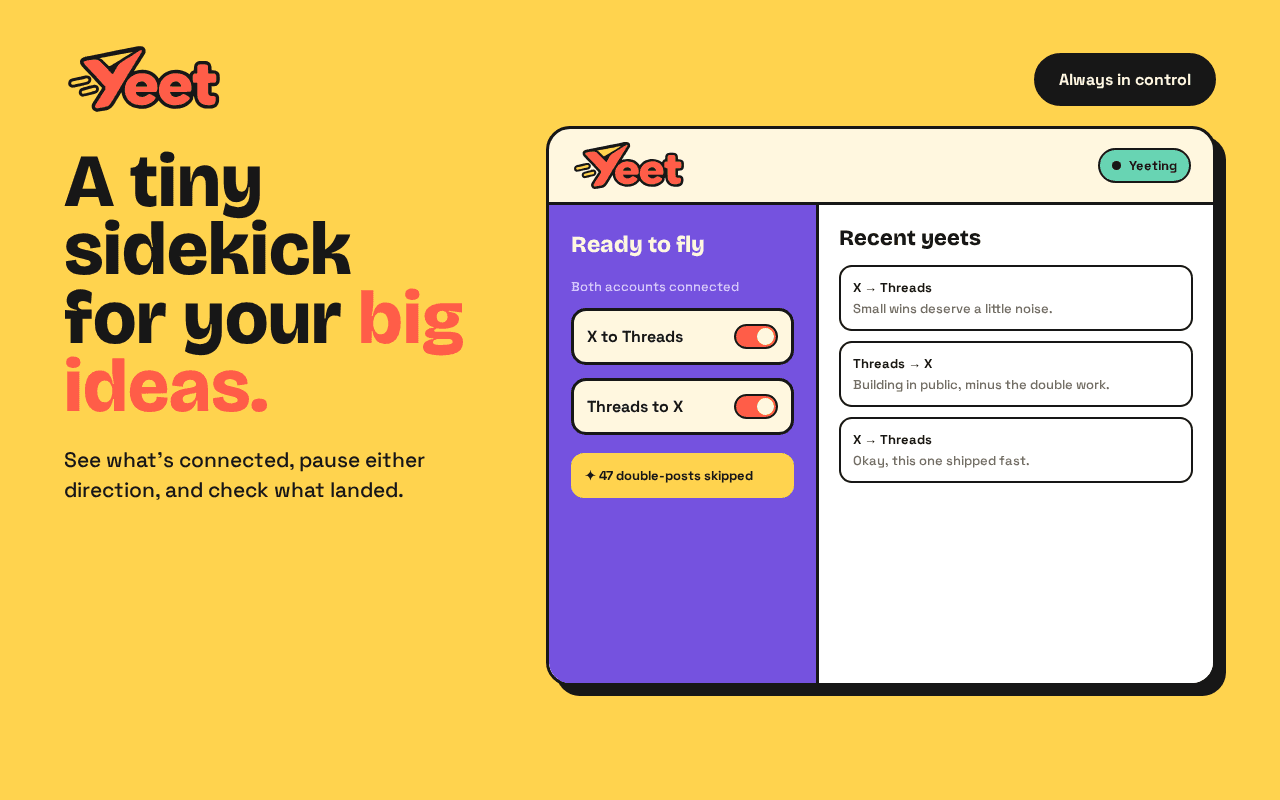
Pause Yeet, check the last yeet, and keep posting — the other timeline fills itself, photos included when Copy Images is on.


Ready to fly
Both accounts connected
47 double-posts skipped
That’s a lot less copy-paste.
Recent yeets
Small wins deserve a little noise.
Landed • Just now
Building in public, minus the double work.
Landed • 12m
Okay, this one shipped faster than expected.
Landed • 1h
Post to X and Threads at once.
That's the whole job.
Two-way by default
Write on X, it posts to Threads. Write on Threads, it lands on X. Both directions, no switches to remember.
Text and images
Turn on Copy Images in Settings and your photos hop over too — up to four on X. Videos and GIFs are next.
Posts by itself
Hit Post (or Cmd/Ctrl + Enter). Yeet opens a background tab, fills the other composer, and posts — no copy-paste.
Guides
Practical notes on posting to X and Threads without typing the same thing twice.
How to post to X and Threads at the same time
Copy-paste, a scheduler, or Yeet. What each one does, and how to set up automatic two-way posting.
Read the guideCross-post Threads to X
Press Post on Threads and land on X. The same extension also posts from X back to Threads.
Read the guideFree tools to cross-post X and Threads
Yeet, Crossposter, doing it by hand, and when a paid scheduler is the tool you actually want.
Read the guideFrequently asked questions
Yes. Yeet is built for that. Post on X and it auto cross-posts to Threads; post on Threads and it lands on X. Both directions work from the normal Post click or Cmd/Ctrl + Enter.
Yes. Enable Copy Images in Settings and Yeet carries photos both ways (X ↔ Threads), up to four images on X. Videos and GIFs are not copied yet — if one is attached, Yeet skips the cross-post with an alert and your source post still goes through.
Yes. Yeet is completely free and open source under the MIT License. No account, no subscription, no paywall.
Yeet is a Chrome extension that runs in your browser. When you post on X or Threads, it captures the text (and images, if Copy Images is on), opens a background tab on the other platform, fills the composer, and posts for you using the session you’re already logged into.
No. Yeet uses your existing logged-in sessions on X and Threads. We never see your passwords or store your login tokens.
No. There is no Yeet server and no database. Draft text and images stay in your browser’s extension storage only long enough to complete the cross-post, then they’re cleared.
Stop double-typing.
Install Yeet free on your browser. Auto cross-post text and images between X and Threads — open source on GitHub.